/projects · Project showcase

Ledger — Private Expense Tracker

A private, installable money-in / money-out tracker built as an offline-first PWA. It runs entirely on-device with no backend or account — transactions persist locally and can be sealed behind a passcode with AES-256-GCM encryption at rest, so the data never leaves the phone and stays unreadable without the PIN. Installs to the home screen and works fully offline.

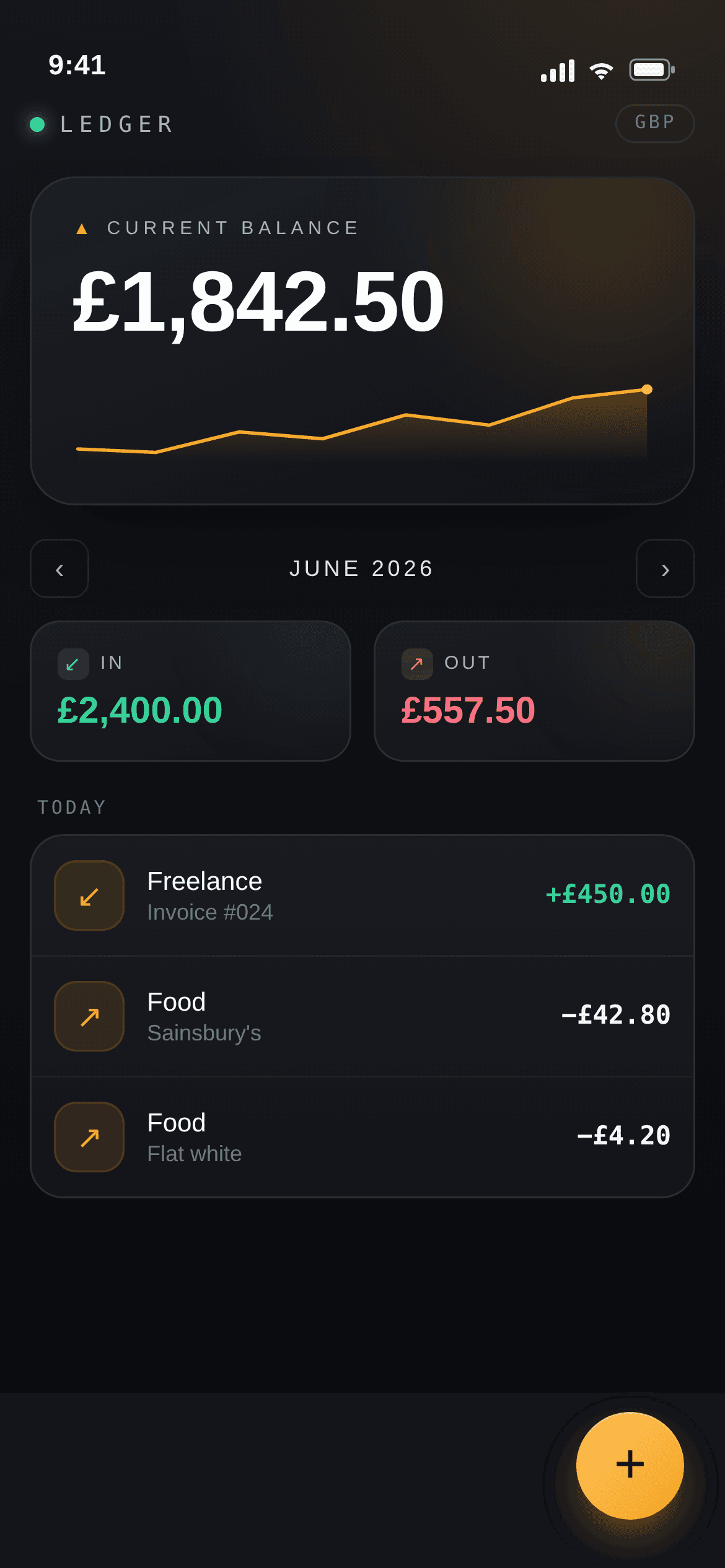
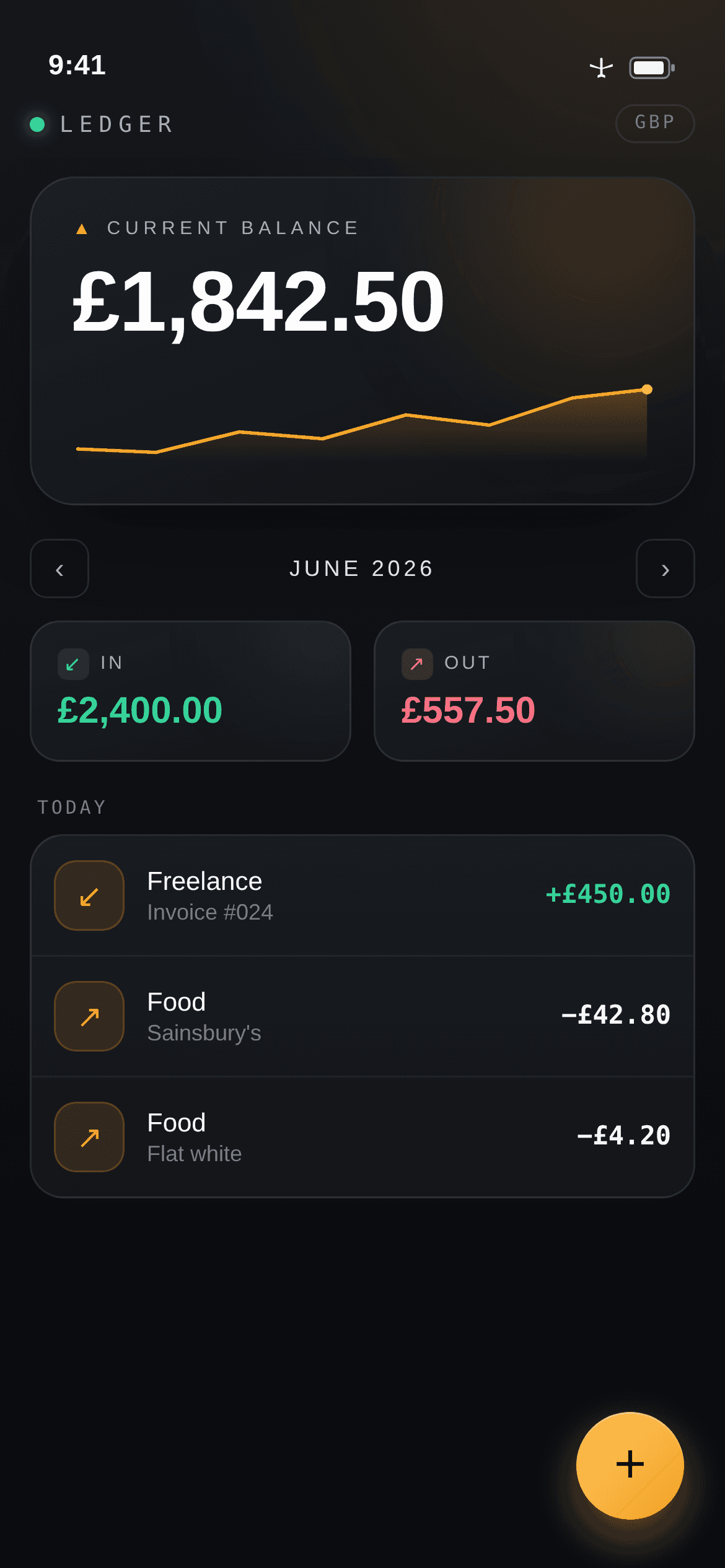
Ledger home screen showing current balance and the amber trend line.

— Project highlights

The parts of the build worth showing off.

A quick look at the parts of the product that best show the balance of design direction, frontend craft, commerce logic, and admin tooling.

  • Local-first architecture with all data persisting on-device via localStorage — no server, no account required.
  • Optional passcode with AES-256-GCM encryption at rest derived via PBKDF2, ensuring privacy by construction.
  • Installable PWA with web app manifest, service-worker offline caching, add-to-home-screen, and iOS safe-area handling.
  • Purpose-built finance UI with HUD-inspired dark theme, animated running-balance trend line, and month-by-month in/out breakdown.
  • Fast entry UX with bottom-sheet add flow, colour-coded categories, and undo-on-delete.

— Feature gallery

A closer look at the product and the ops tooling.

Core Experience

The app centres on a clean, at-a-glance balance view paired with fast money-in / money-out entry and month-by-month breakdown.

Ledger home screen showing current balance and the amber trend line.

S01

Balance readout with the running-balance trend line.

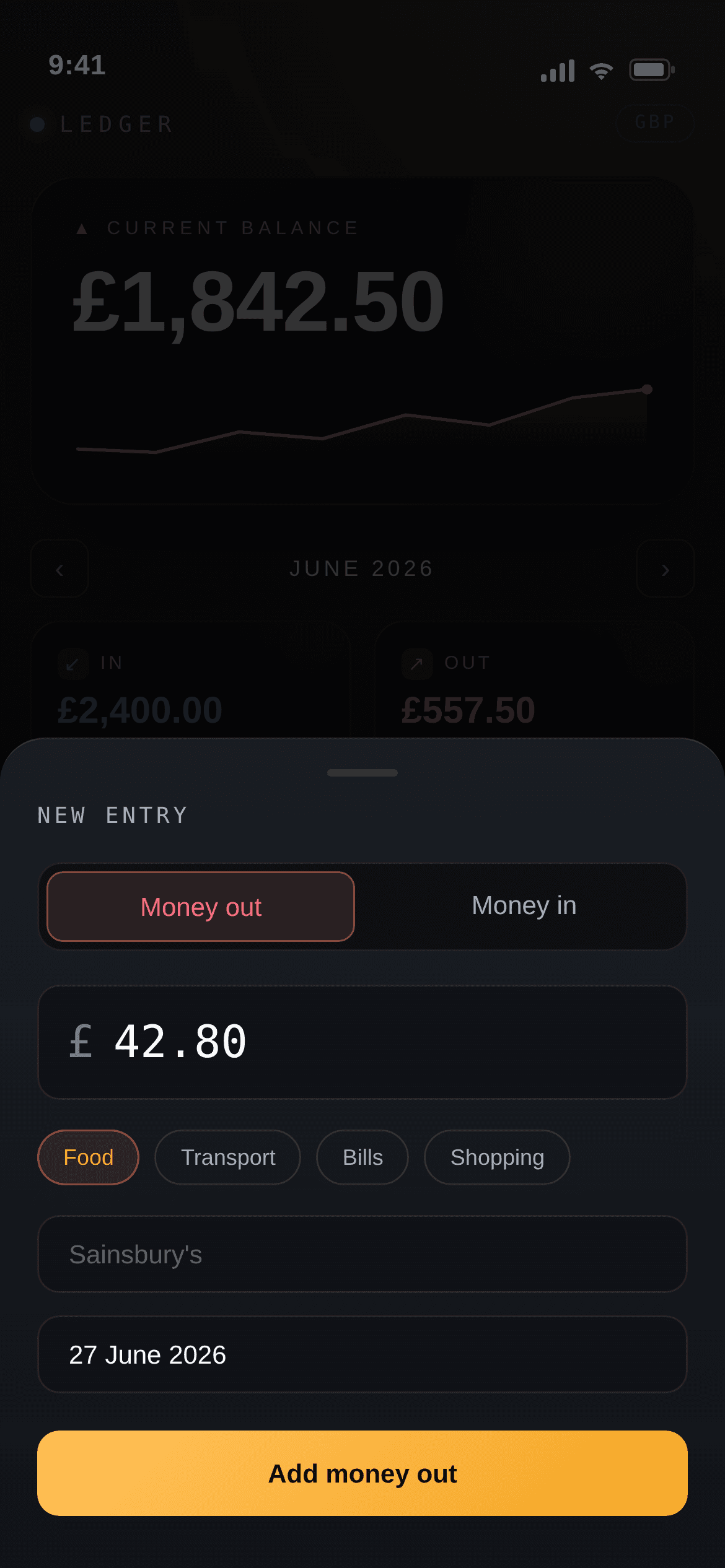
Add-entry bottom sheet with money-in/out toggle, amount, and categories.

S02

Fast entry sheet for logging money in or out.

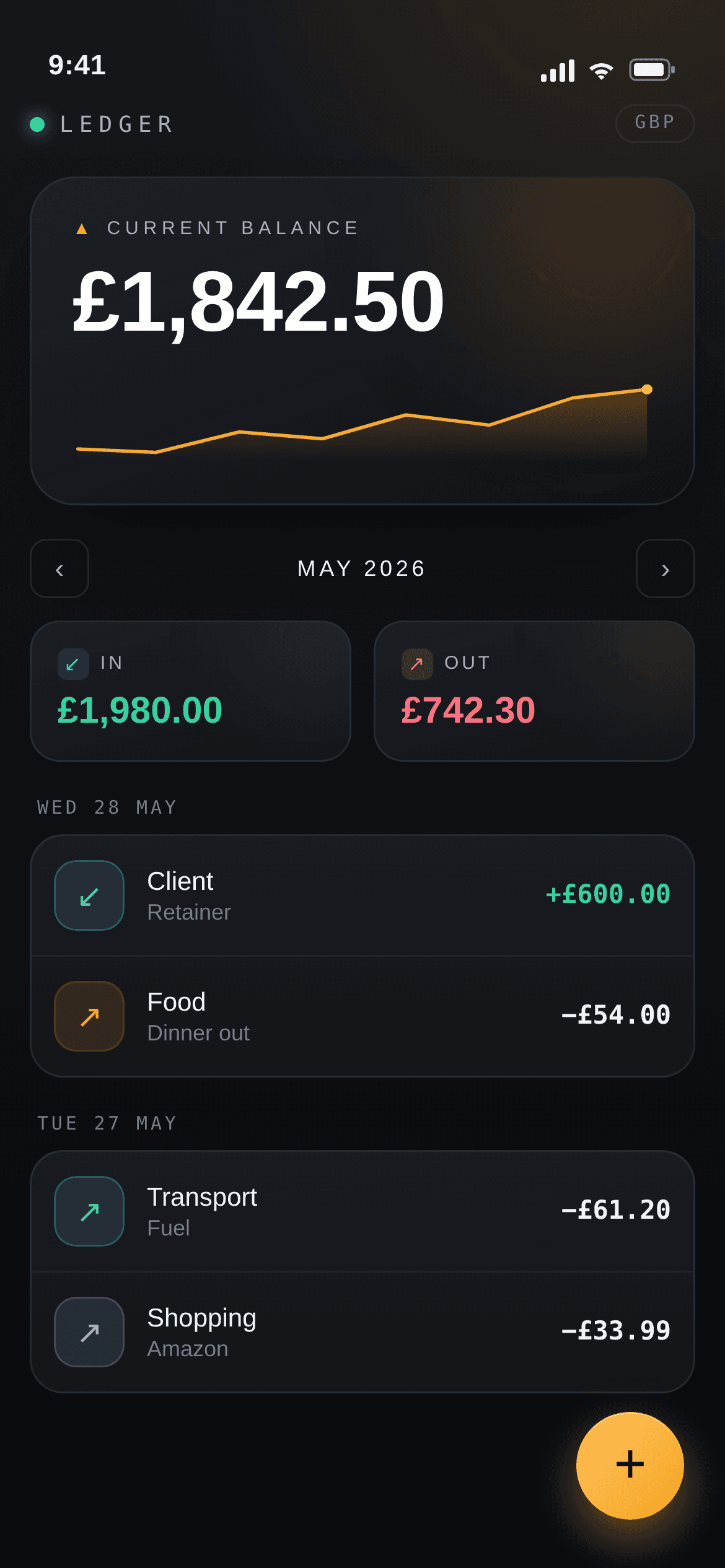
Month navigation with In and Out totals for the selected month.

S03

Month view with in / out breakdown.

Privacy and Protection

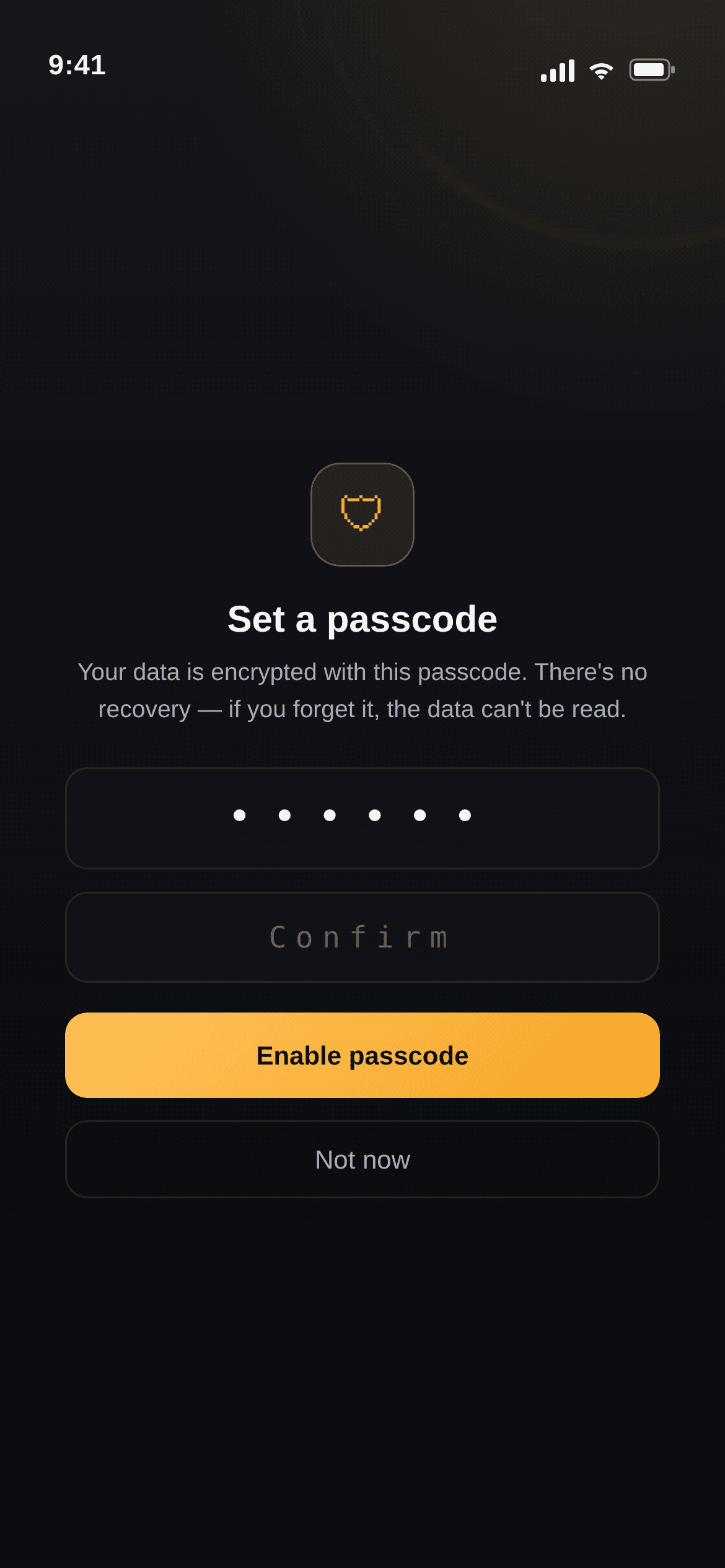
Optional passcode protection with at-rest encryption keeps sensitive financial data locked on-device and unreadable without the PIN.

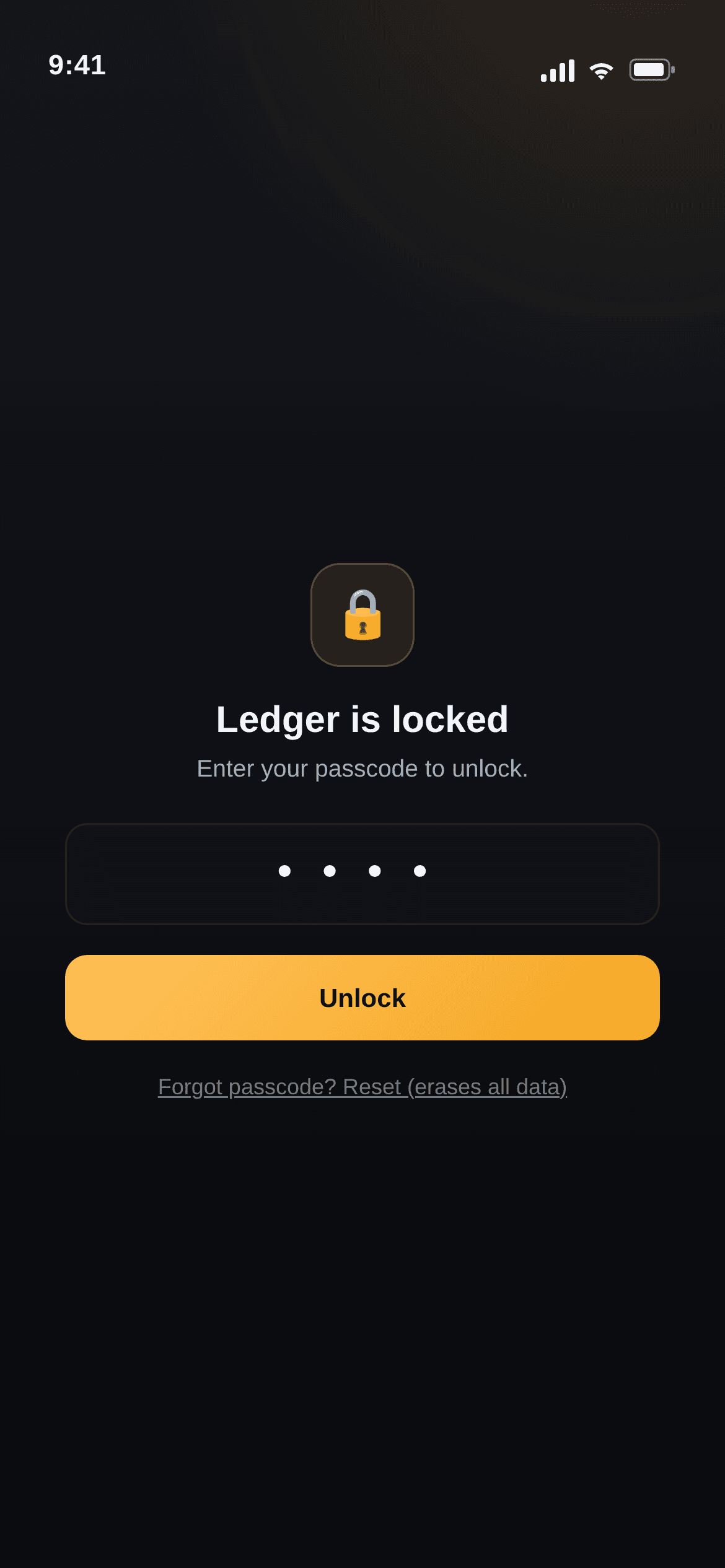
Passcode lock screen gating the app on launch.

S04

Passcode lock protecting on-device data.

Set-passcode screen explaining encryption at rest.

S05

Enabling AES-GCM encryption at rest.

App running with no network connection.

S07

Fully offline: no backend, no account.

Installation and Offline

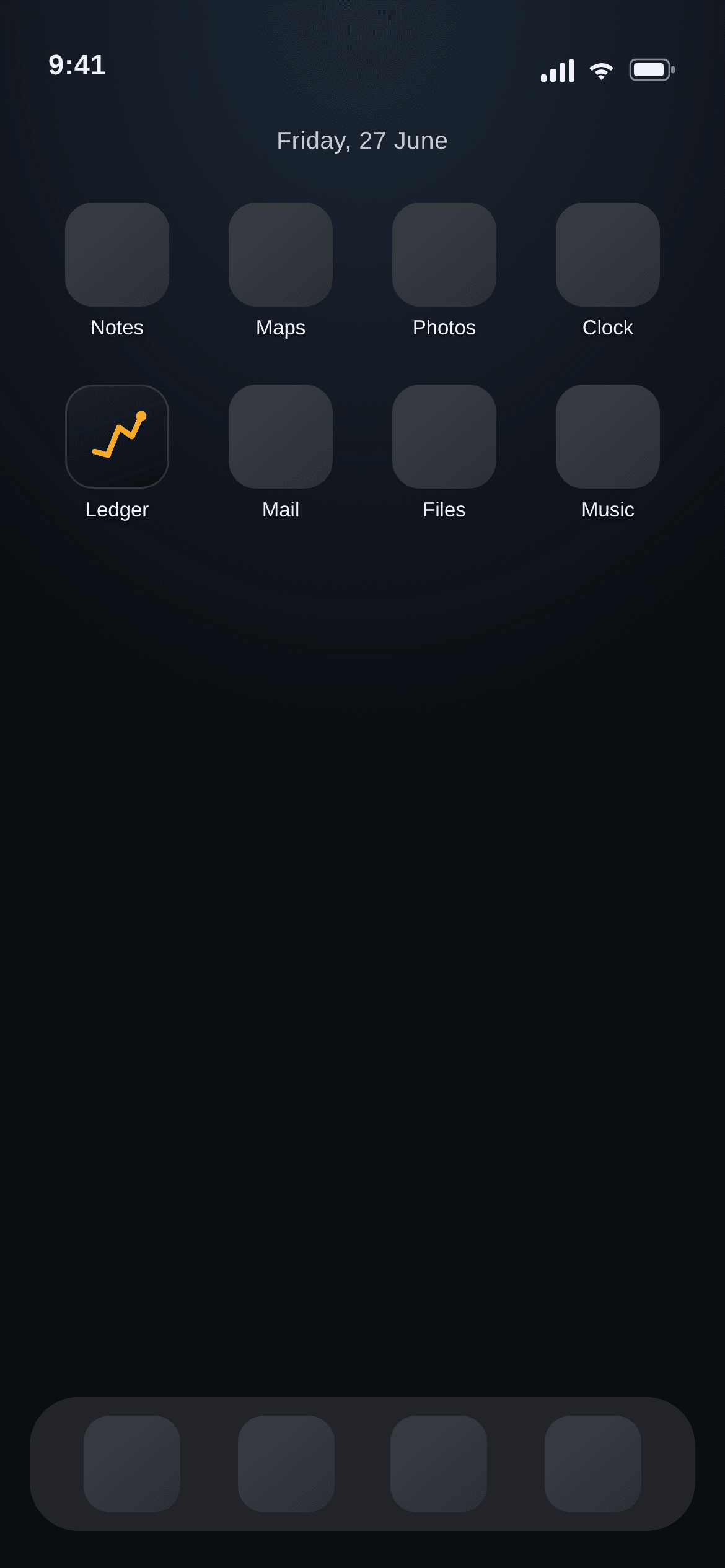
Installed to the home screen as a standalone PWA, Ledger works fully offline with a native app feel.

Ledger installed to the iOS home screen with its app icon.

S06

Installed to the home screen as a standalone PWA.

— How it came together

The stack, systems, and implementation choices.

Experience Layer

Built on Next.js App Router with TypeScript and React 19. Theming runs through a single token module applied via inline styles for deterministic rendering across environments, with a small framework-free component set.

The dark HUD-inspired interface pairs financial readouts with an animated running-balance trend line that respects reduced-motion preferences.

Data & Privacy

A local-first storage abstraction keeps all transactions on-device and acts as a clean swap-point for IndexedDB or a synced backend later. The Web Crypto API (PBKDF2 → AES-GCM) provides at-rest encryption behind an optional passcode, with an explicit no-recovery tradeoff surfaced in the UI.

Without a passcode, data persists in plaintext localStorage. With a passcode, the encrypted blob is unreadable in dev tools and requires the PIN on app launch.

PWA & Offline

A web app manifest, maskable icons, and a service worker (network-first for navigations, stale-while-revalidate for assets) make it installable and offline-capable, with standalone display mode and iOS safe-area insets for a native feel.

The app continues to function identically whether online or offline — there is no network fallback logic to break.

— Build notes

A few problems solved with deliberate tradeoffs.

Challenge

Privacy without a backend.

Solution

Local-first storage plus a PIN-derived AES-GCM key means the data is private by construction and encrypted at rest — there's no server to breach and nothing leaves the device.

Challenge

Native feel and offline survival.

Solution

PWA manifest, service-worker caching, safe-area handling, and an install flow so it lives on the home screen and runs fully offline.

Challenge

Consistent rendering without colour drift.

Solution

Token-driven inline styling avoids build-step class stripping, paired with reduced-motion fallbacks for the trend-line and sheet animations.

Try Ledger, or install it to your home screen.

This showcase highlights the privacy engineering, local-first architecture, and offline capability that make Ledger distinct. The live PWA lets you add entries and see how the app works with zero setup and zero account.